Projects
Each card below includes a short overview, tech stack, screenshots (click the image to open a slideshow), and links to the code and live preview where available.
MyFlix App
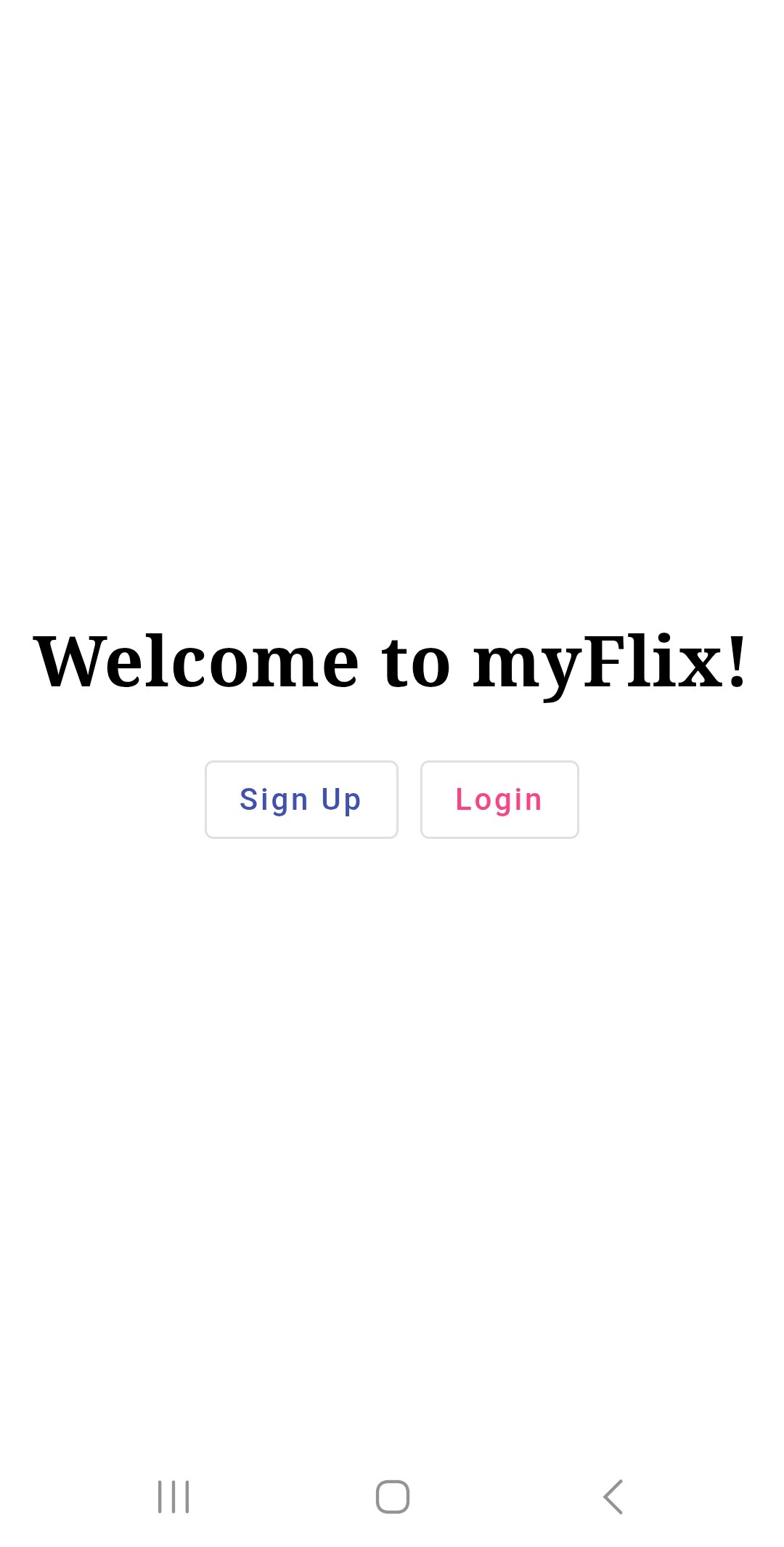
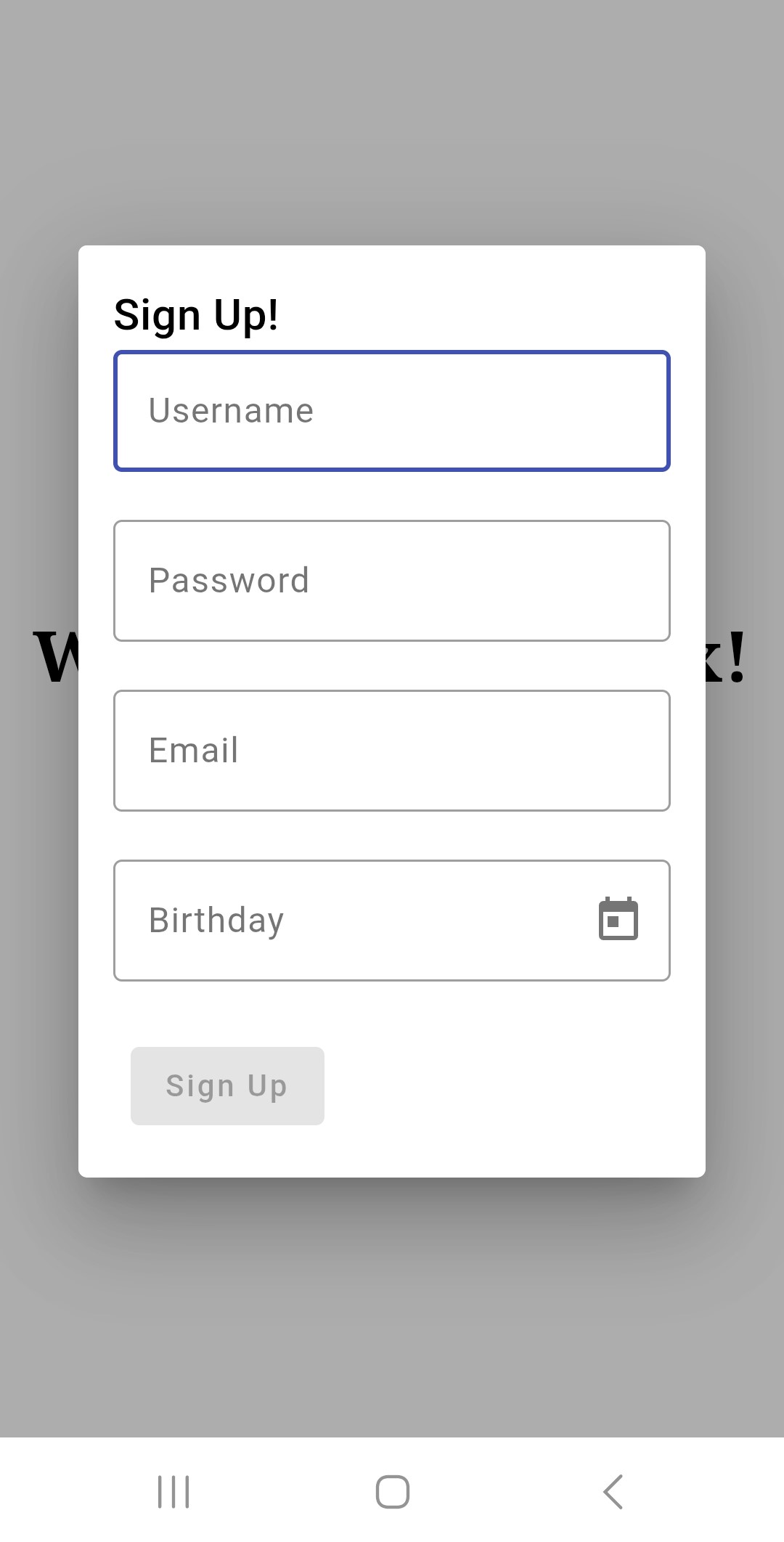
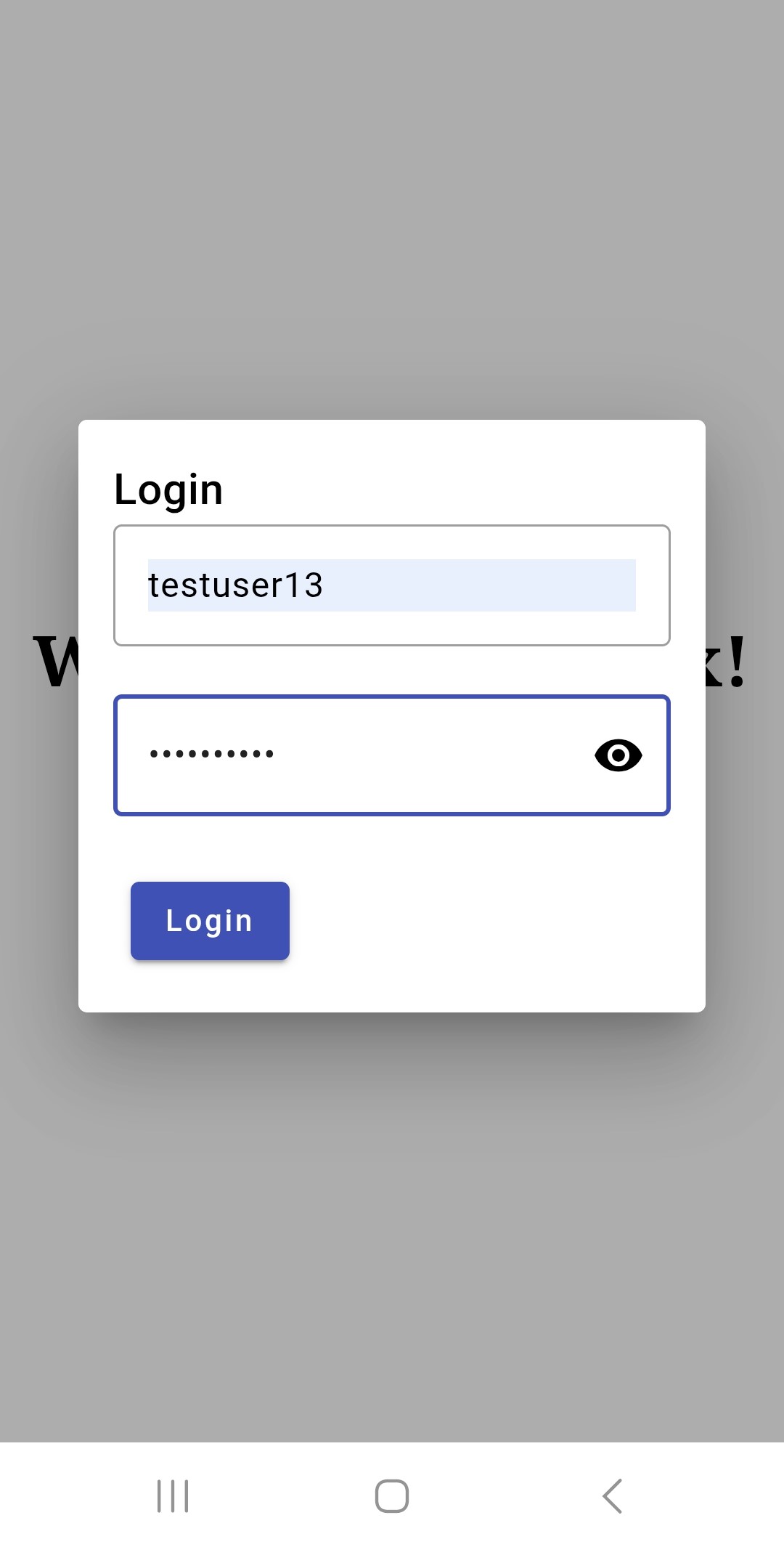
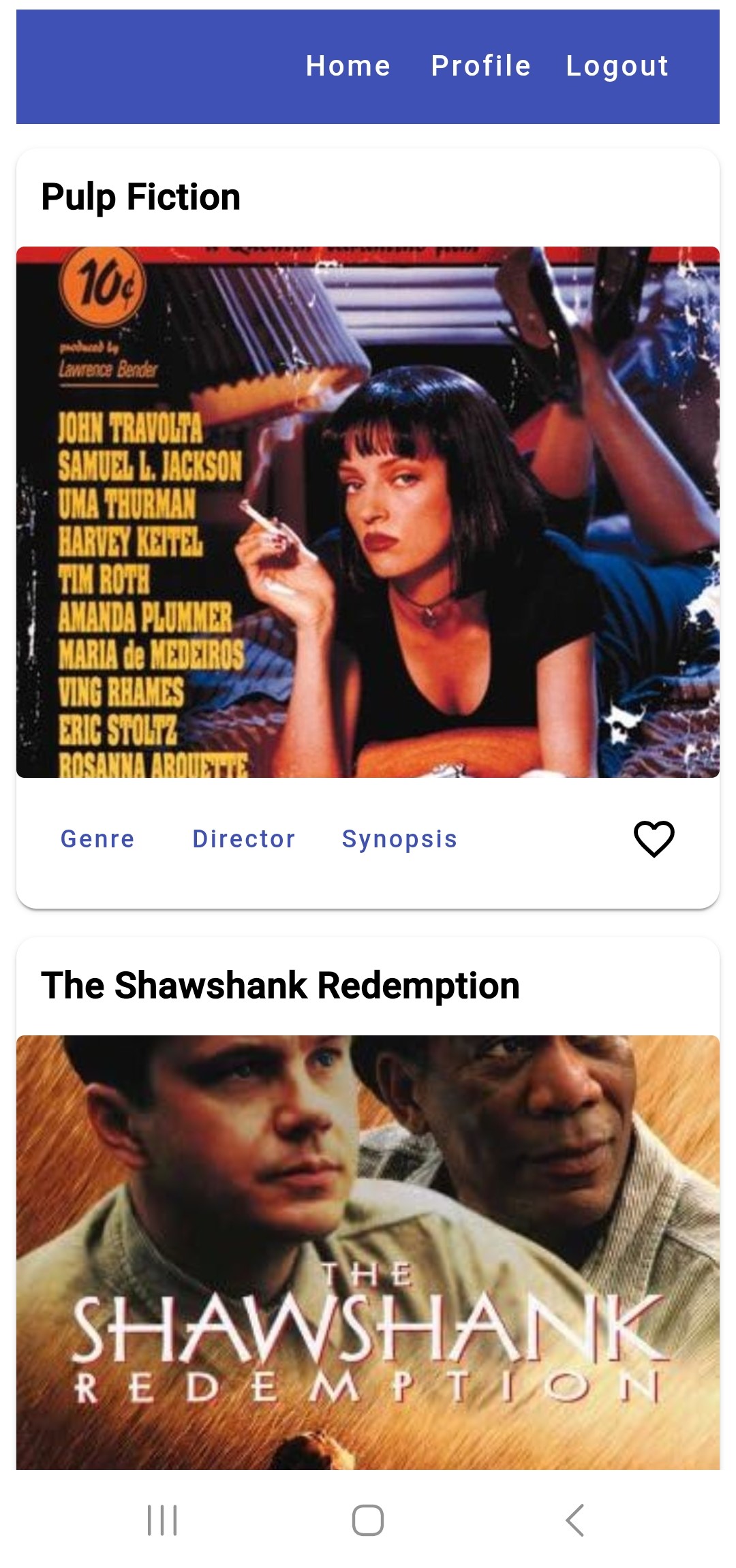
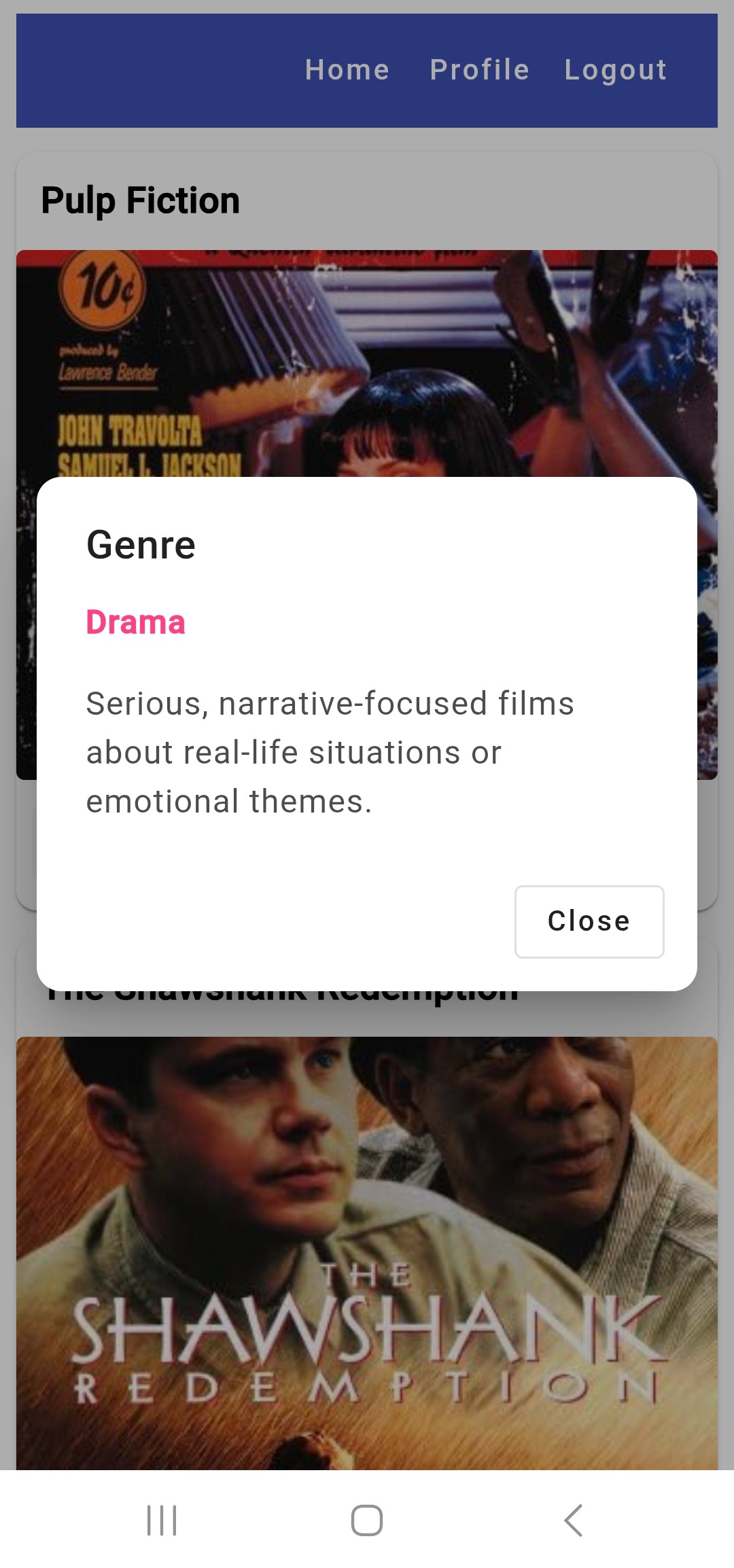
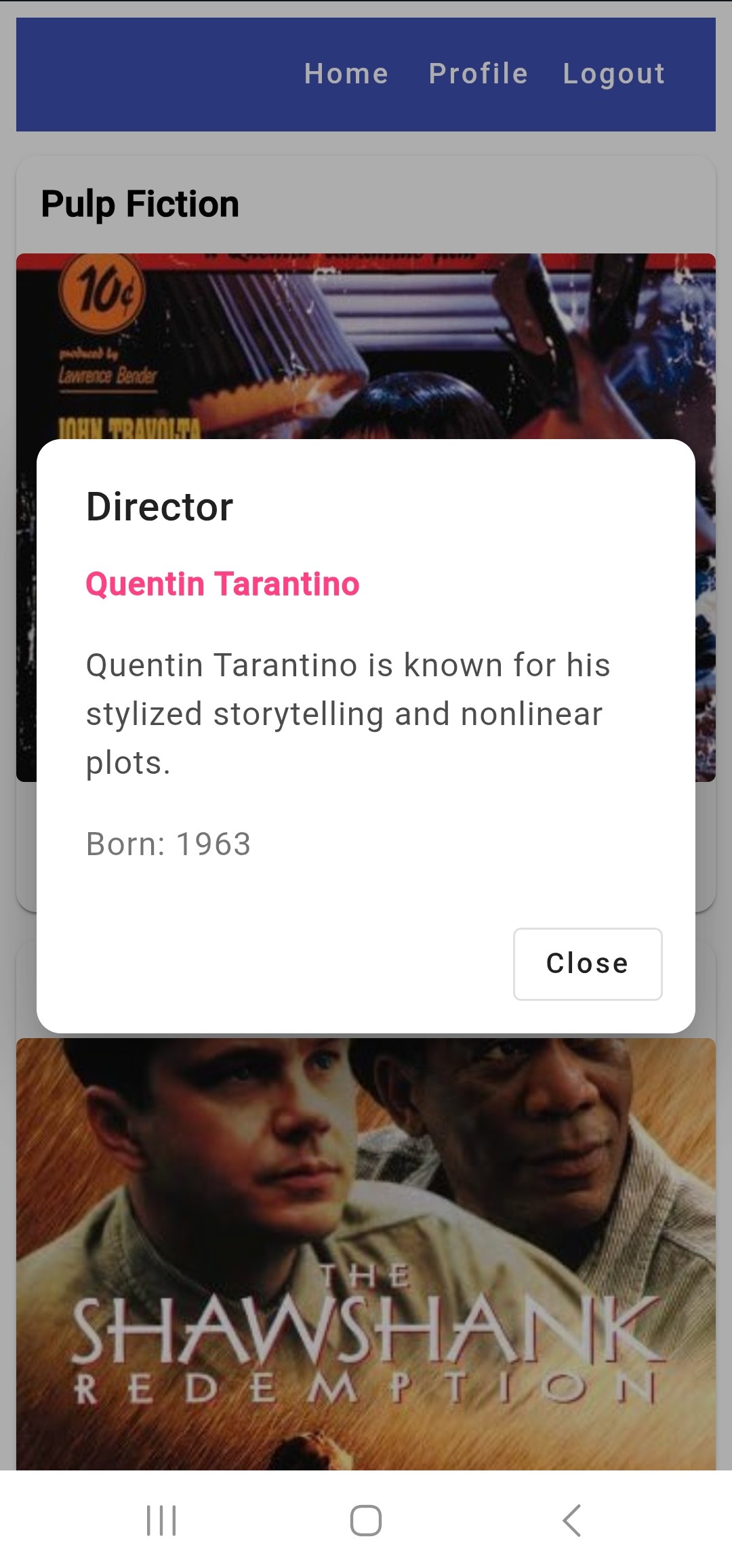
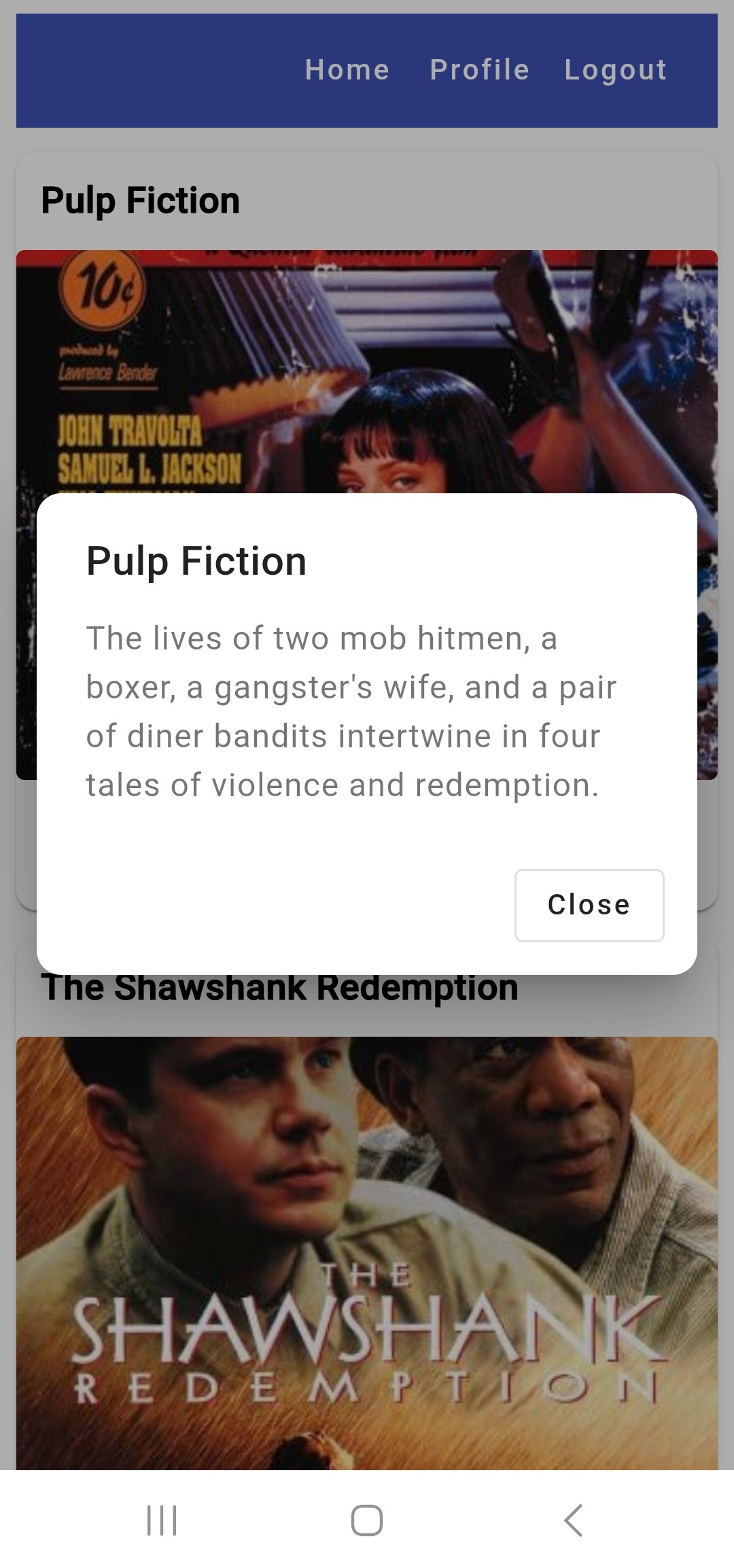
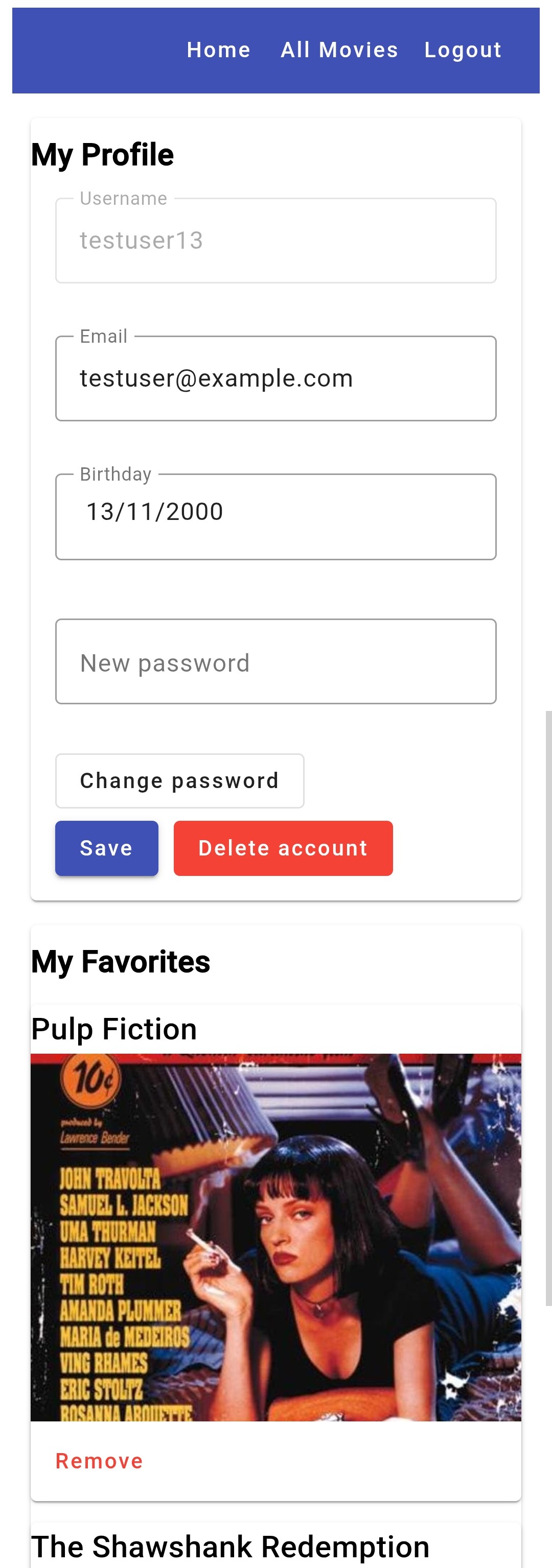
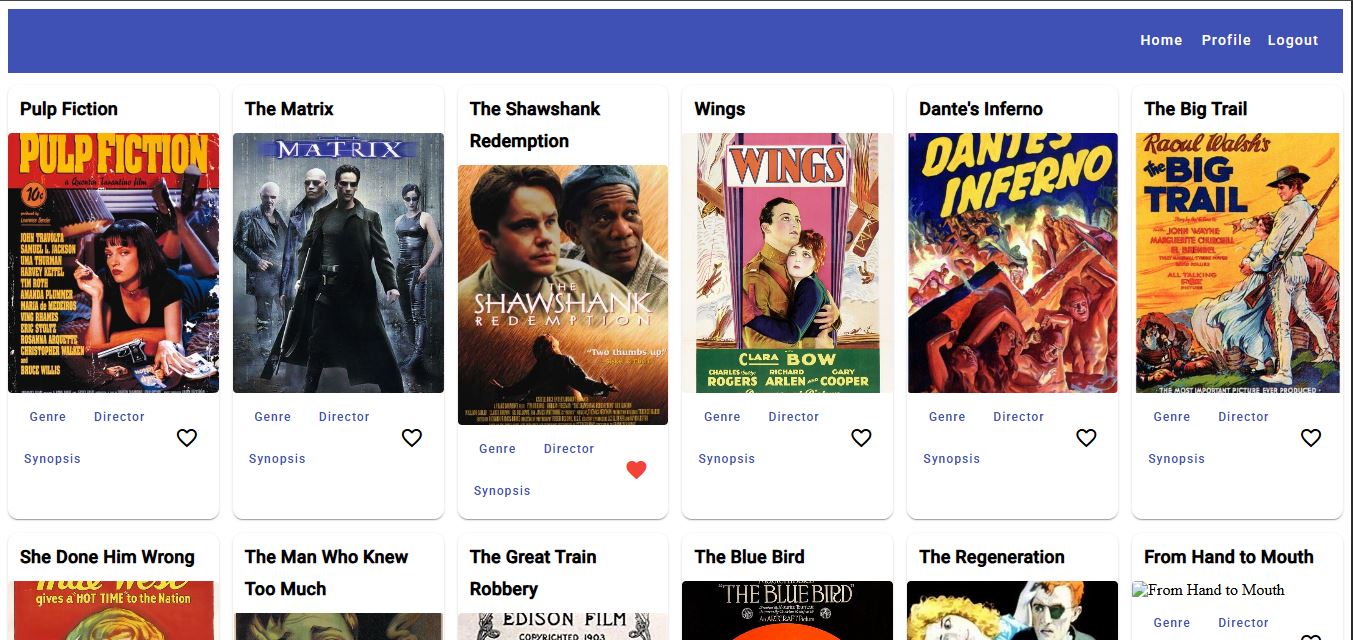
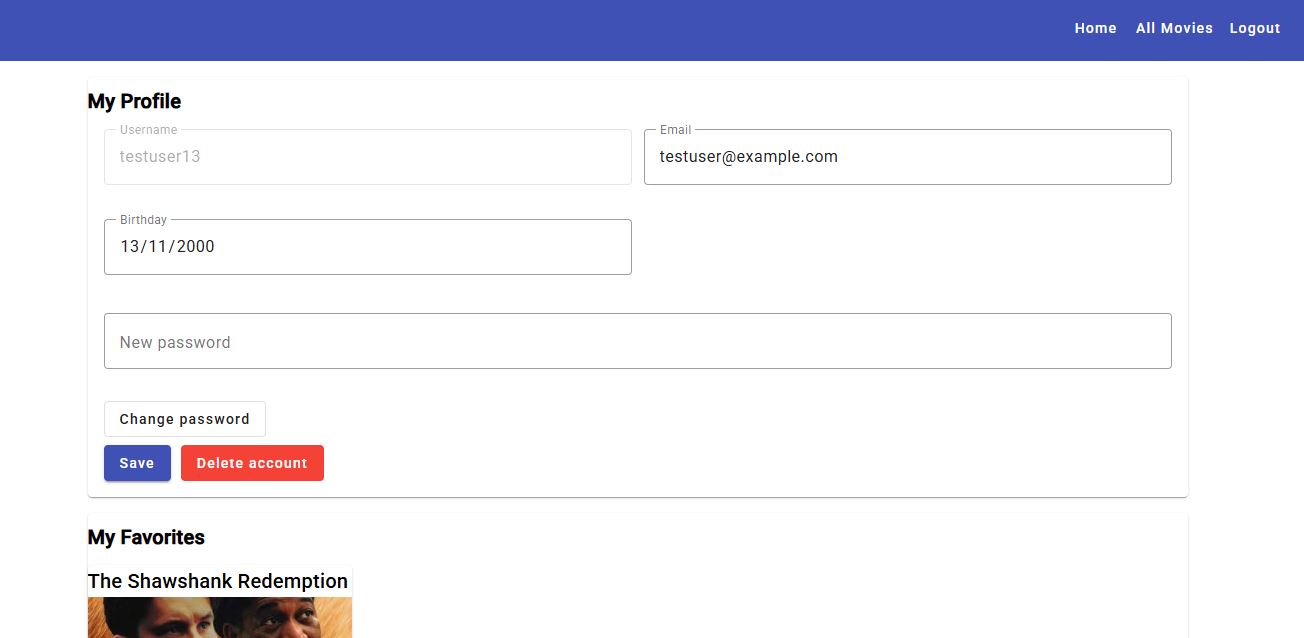
Overview: A full‑stack movie application built step‑by‑step — first creating a secure RESTful Node/Express API, then developing two front‑ends (one in React and one in Angular) that consume the same backend. The Live Preview shows the Angular client connected to the deployed API.
Tech stack Backend: Node.js, Express, MongoDB Atlas (Mongoose), JWT authentication, Passport, bcrypt, express‑validator, CORS, Render deployment.
Tech stack Frontend (Angular): Angular, Angular Material, TypeScript, RxJS, responsive layout, GitHub Pages deployment.
Tech stack Frontend (React): React, modern JavaScript (ES6+), client‑side routing, reusable components, Bootstrap / React‑Bootstrap for layout and styling.
Chat App
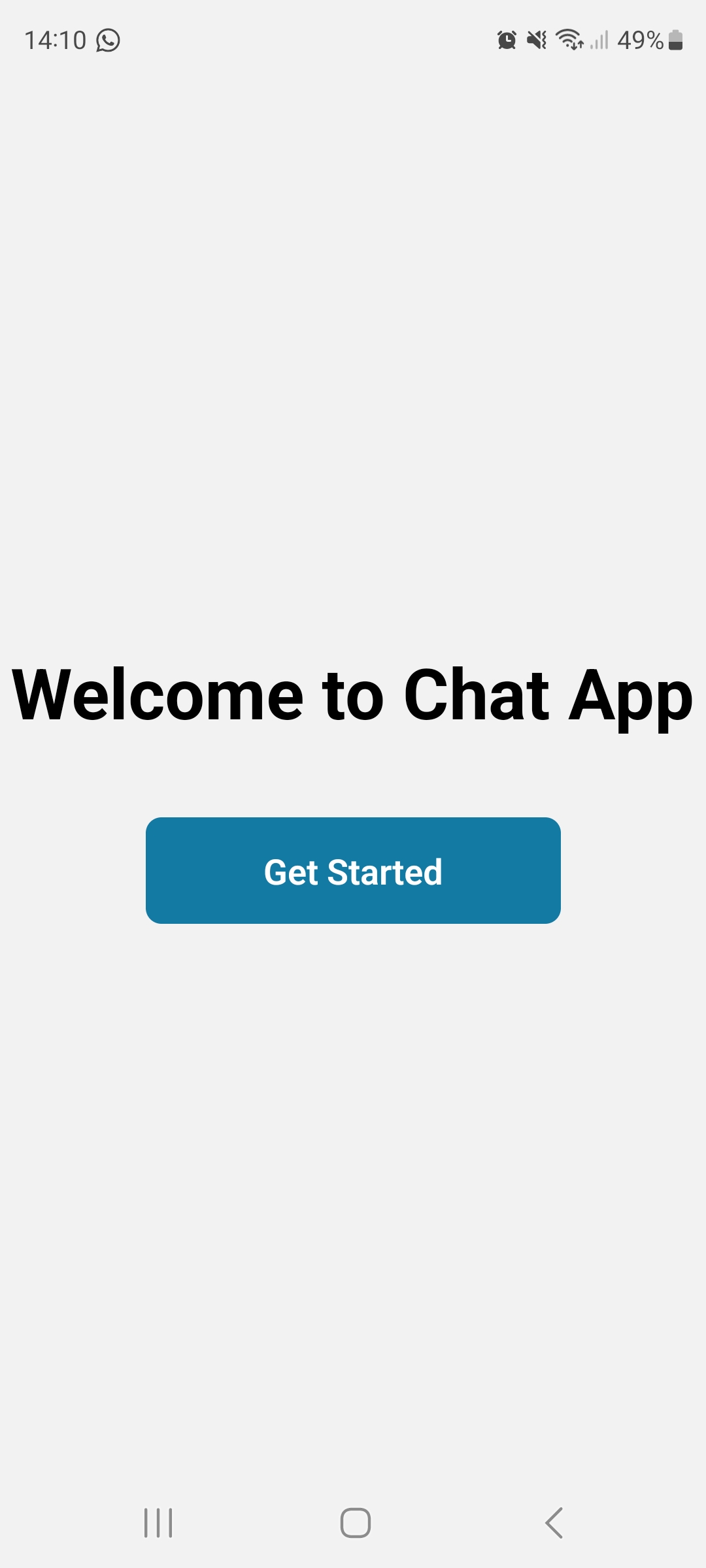
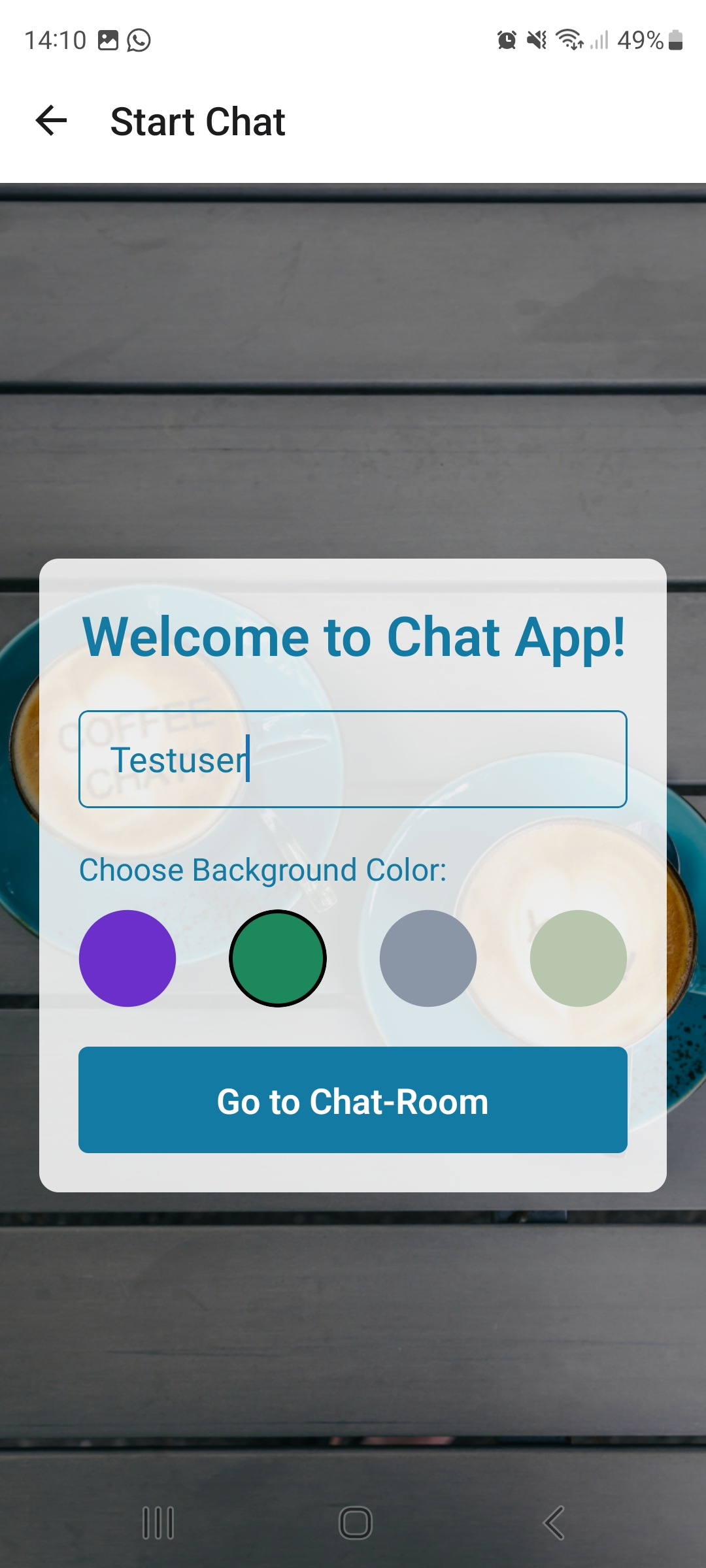
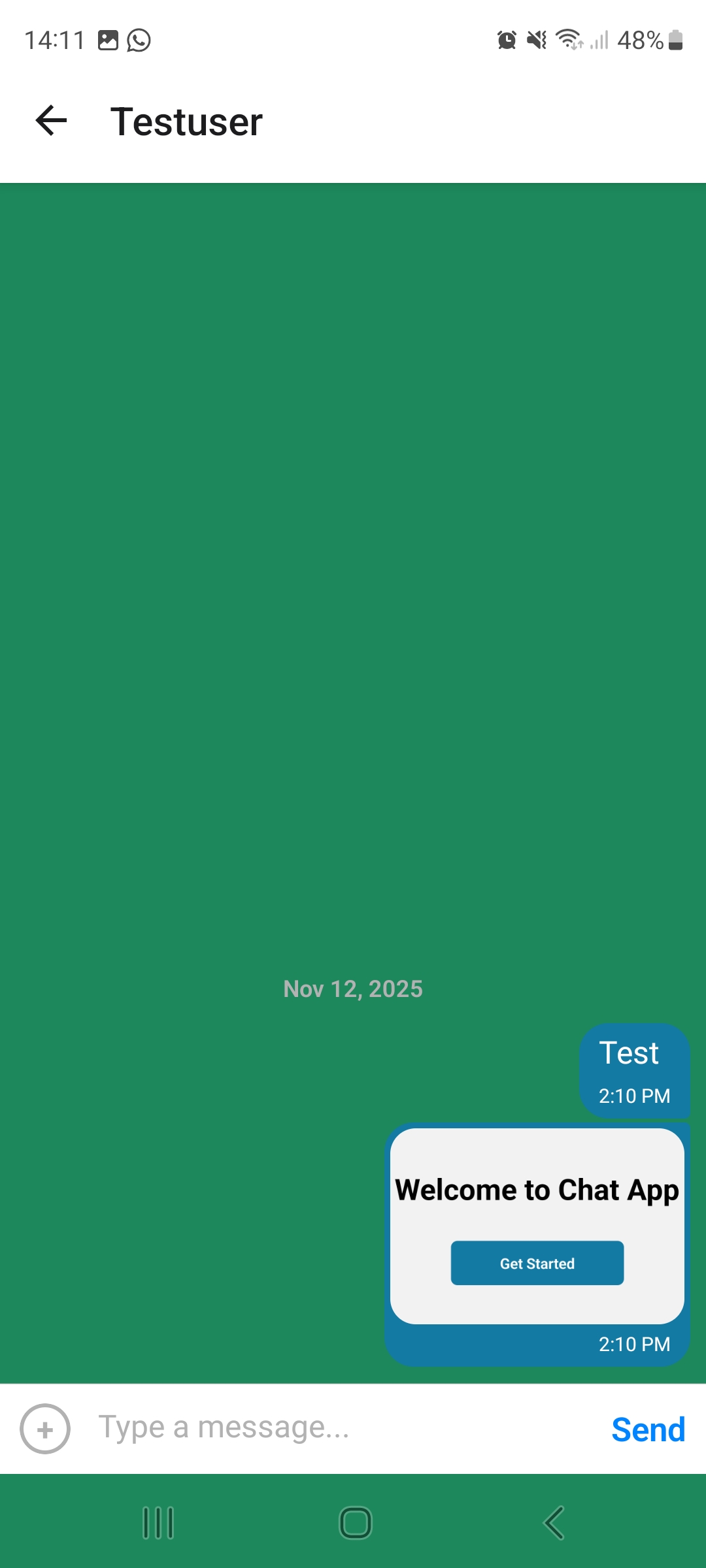
Overview: A cross‑platform mobile chat app built with React Native and Expo. Users choose a display name and chat background color, then enter a chat room where they can send text messages, share images from the camera or image library, and share their current location via a small map preview. Messages are synchronized in real time with Firebase Firestore and cached locally with AsyncStorage so recent chats remain available offline. The UI follows basic accessibility best practices (labels, roles, hints, contrast) and adapts to different device sizes.
Tech stack: React Native, Expo, Firebase (Firestore, Auth, Storage), Gifted Chat, Async Storage, NetInfo, React Navigation, Expo Camera · Image Picker · File System · Sharing · Location, react‑native‑maps.
Meet App
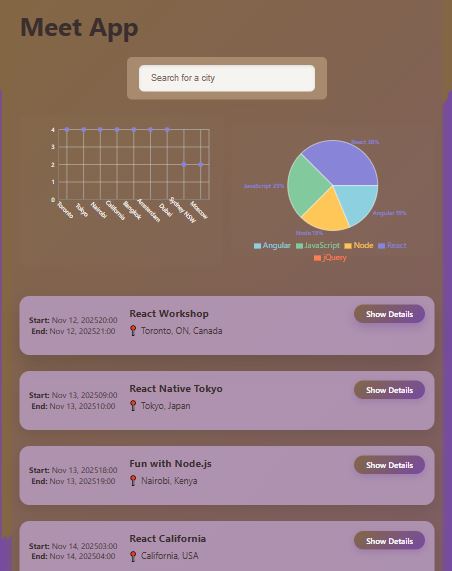
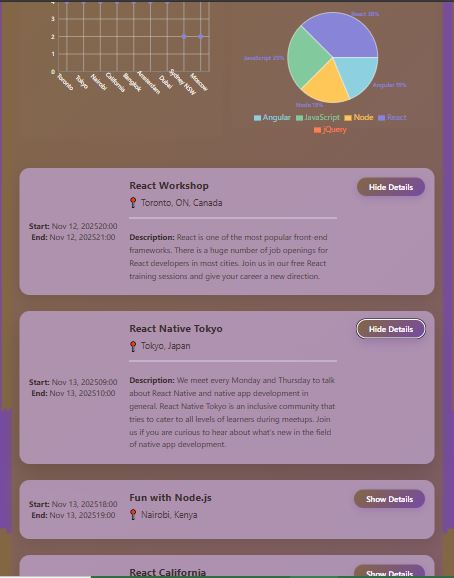
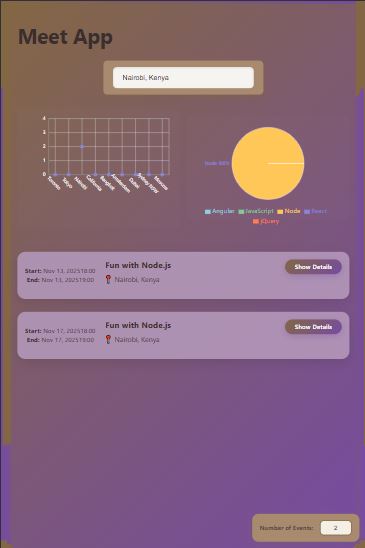
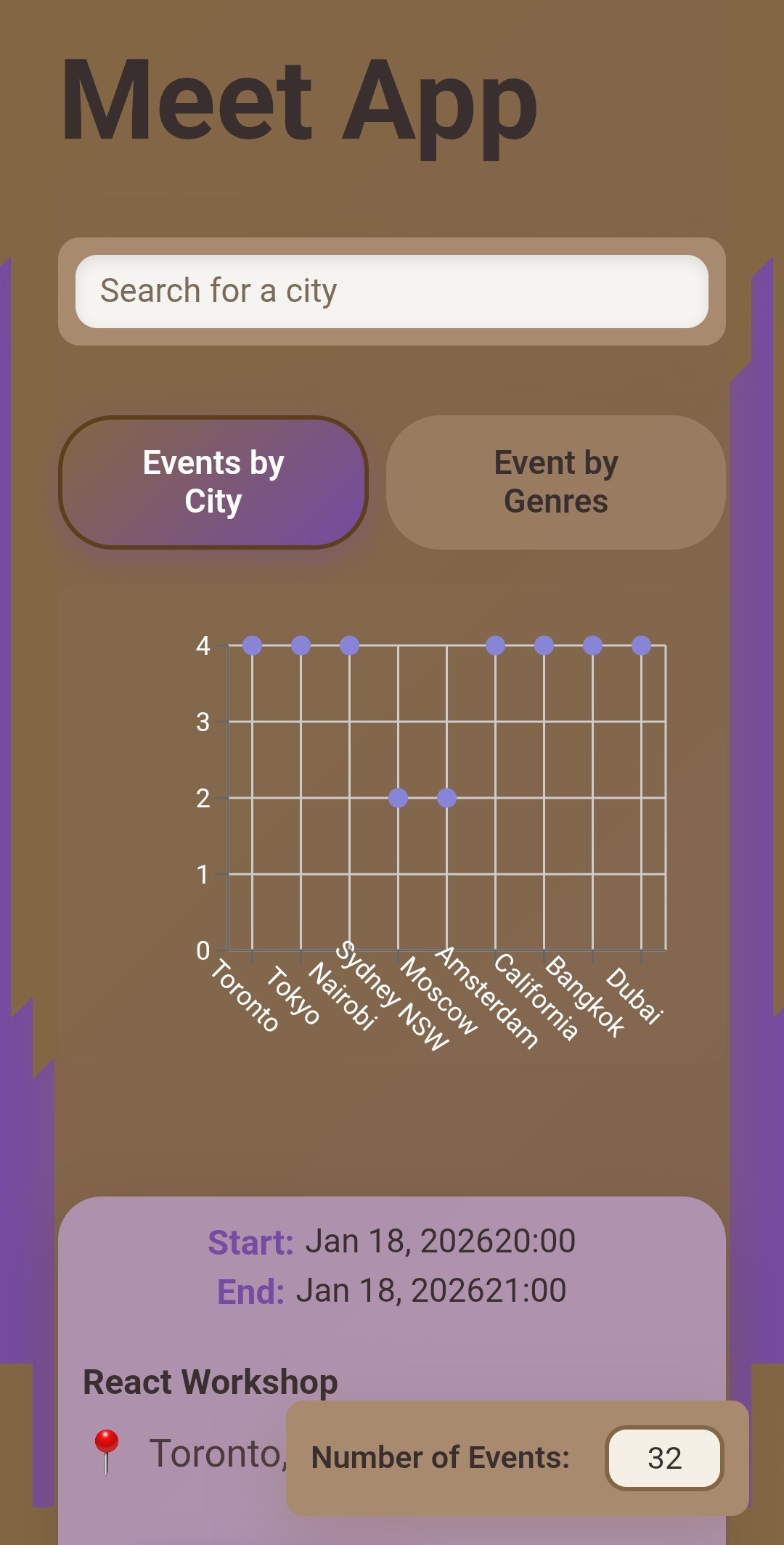
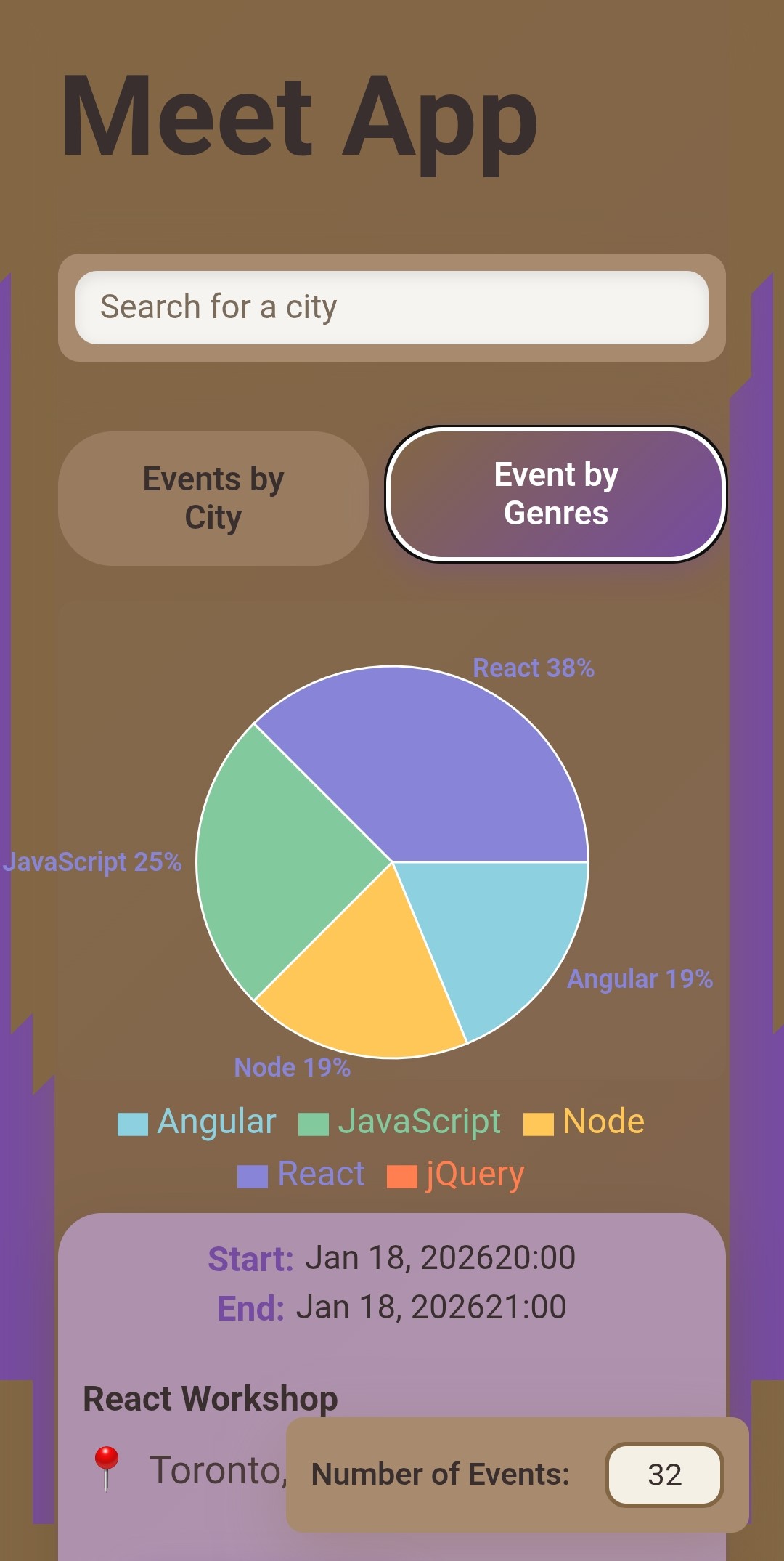
Overview: A serverless progressive web app (PWA) built with React that connects to the Google Calendar API. Users can search for upcoming events by city, view event details, and visualize event data in responsive charts. The app works offline using cached data and follows test-driven development (TDD) practices.
Tech stack: React, Vite, Google Calendar API (OAuth 2.0), AWS Lambda (serverless backend), Recharts (data visualization), Jest & Jest-Cucumber (TDD/BDD), Workbox (Service Workers for offline support), vite-plugin-pwa (PWA features), Atatus (performance monitoring), Github deployment.
Note: Google OAuth for this app is in “Testing” mode and limited to test users, so external users might be blocked from logging in. The repo and screenshots demonstrate the full behavior.
What Do I Cook?
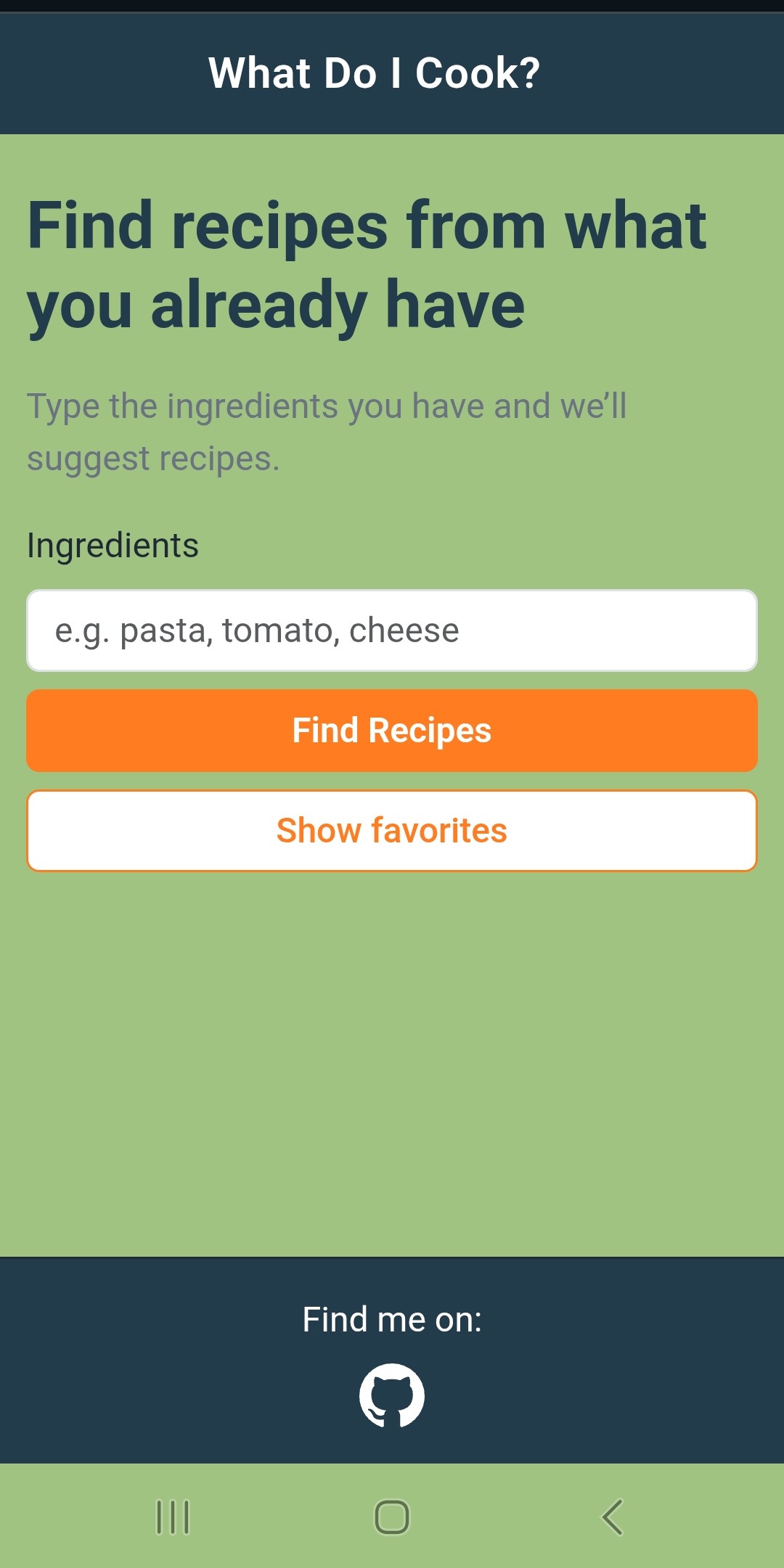
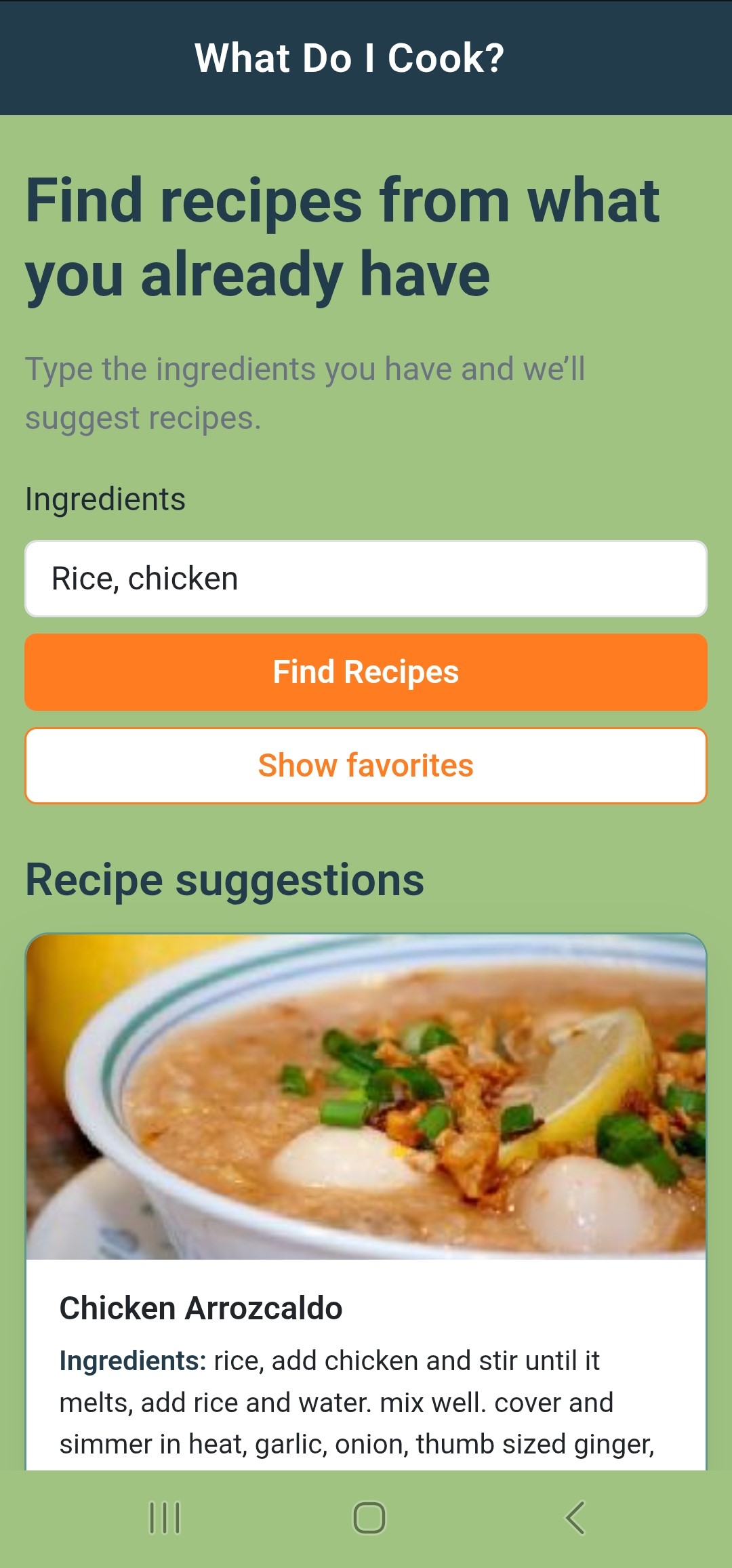
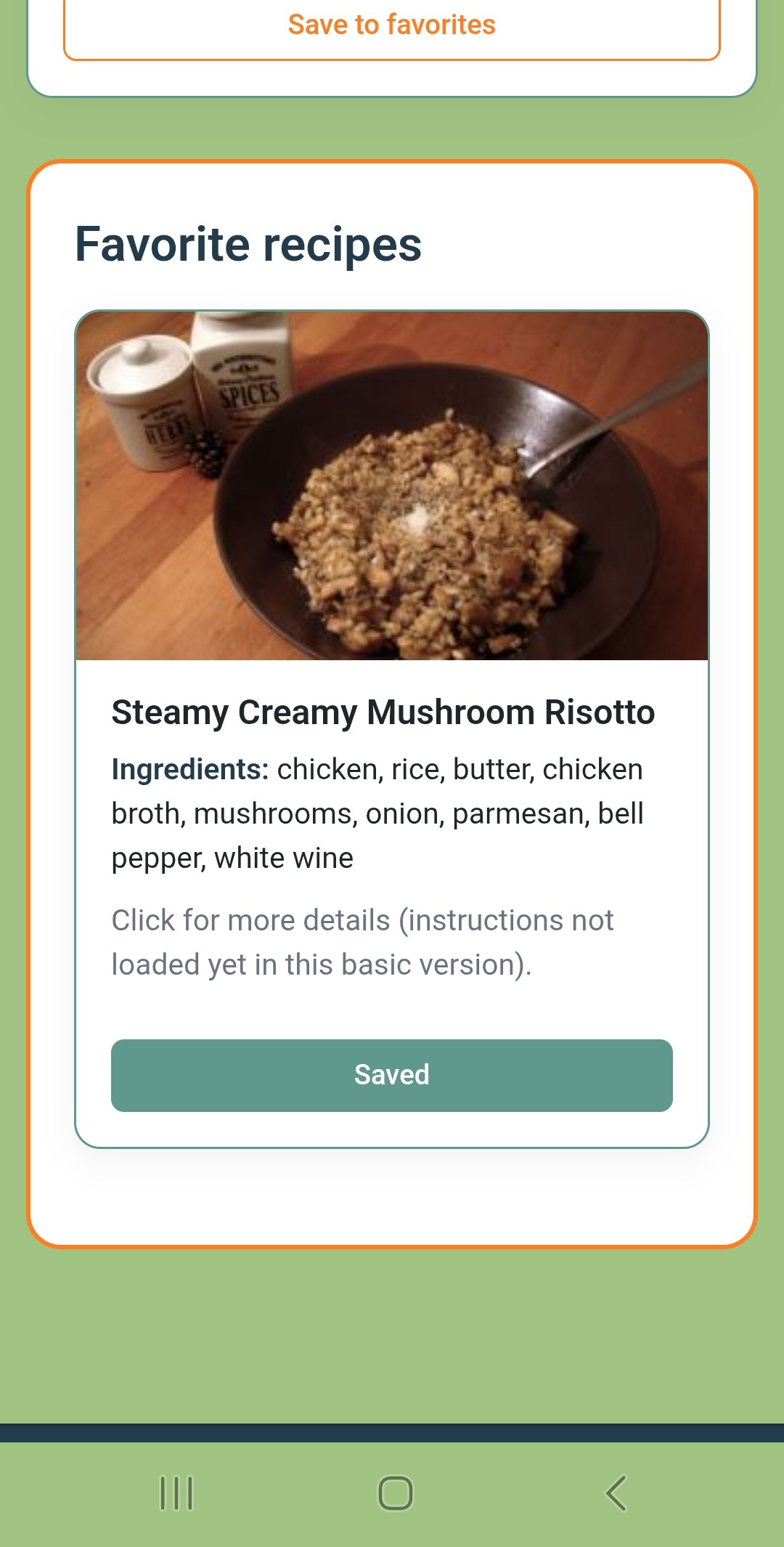
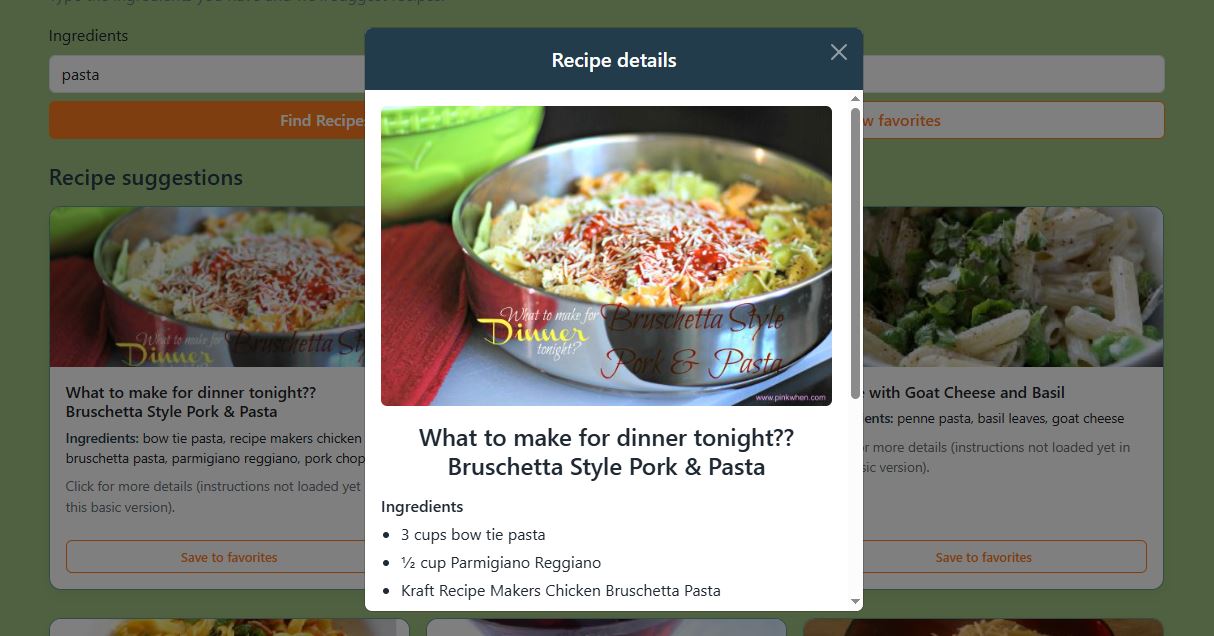
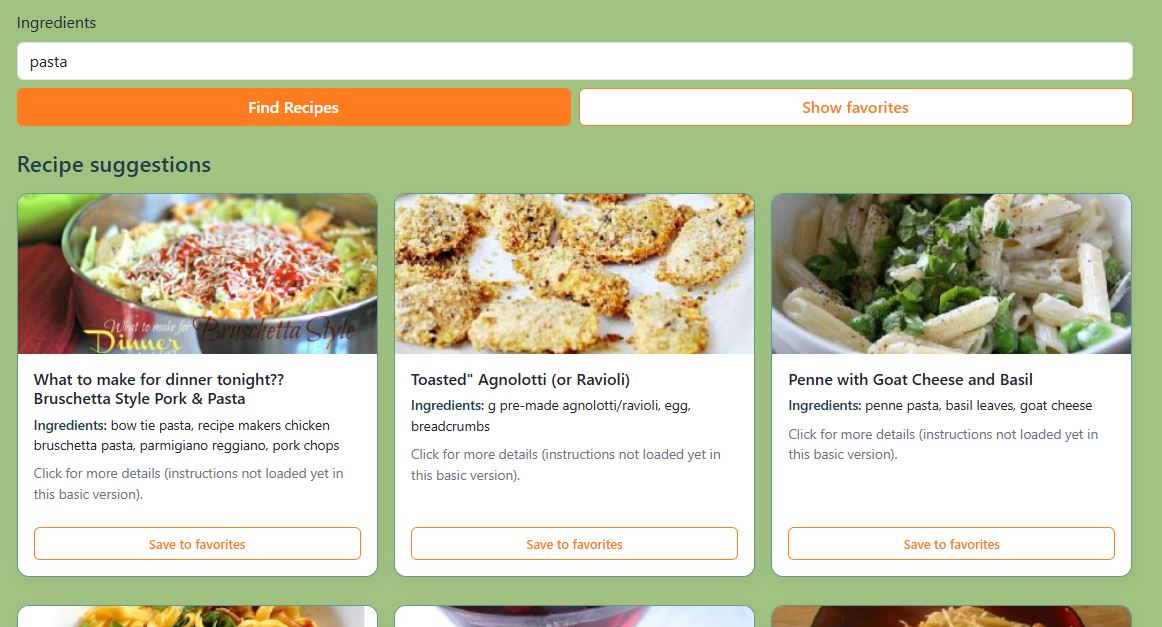
Overview:
A small full‑stack recipe helper that lets users type the ingredients they already have and discover matching recipes.
The app calls a custom Node/Express backend that wraps the Spoonacular API, normalizes the data, and exposes a clean REST interface.
On the front end, users can view recipe details in a modal, save favorites in localStorage, and switch seamlessly between local development and the deployed API.
Tech stack Backend: Node.js, Express, Spoonacular REST API integration, dotenv for environment variables, CORS configuration, Render deployment (web service with environment‑based API key).
Tech stack Frontend:
HTML5, CSS3 (custom responsive layout using Flexbox and small Bootstrap utility classes), vanilla JavaScript (ES6+),
Fetch API, Bootstrap 5 modals and grid helpers, browser localStorage for favorites, GitHub Pages deployment.
Pokedex App
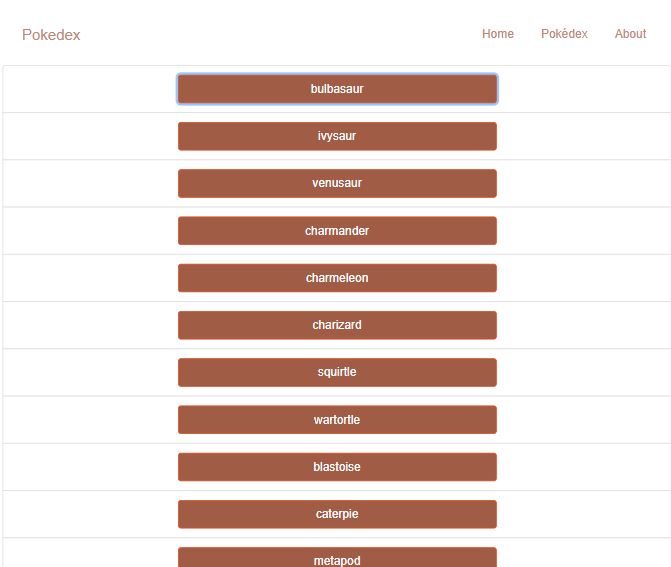
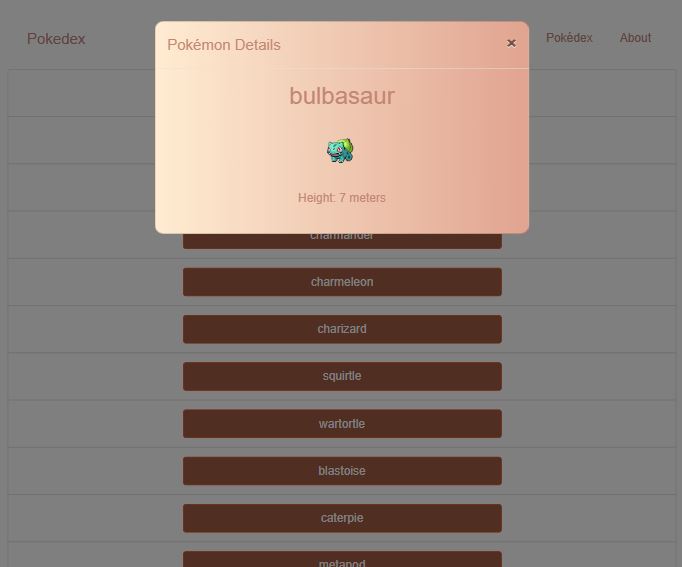
Overview: A small web app built with vanilla JavaScript that fetches data from the Pokémon API and displays it in a browsable list. Users can click any Pokémon to view details (name, image, height) in a Bootstrap modal. This was my first JavaScript project, focusing on API integration, DOM manipulation, and accessible UI patterns.
Tech stack: HTML5, CSS3, JavaScript(ES5/ES6), Fetch API, PokeAPI (REST API), Bootstrap 4, jQuery, IIFE pattern (encapsulation), polyfills (IE11 support), GitHub Pages deployment.
Portfolio Website
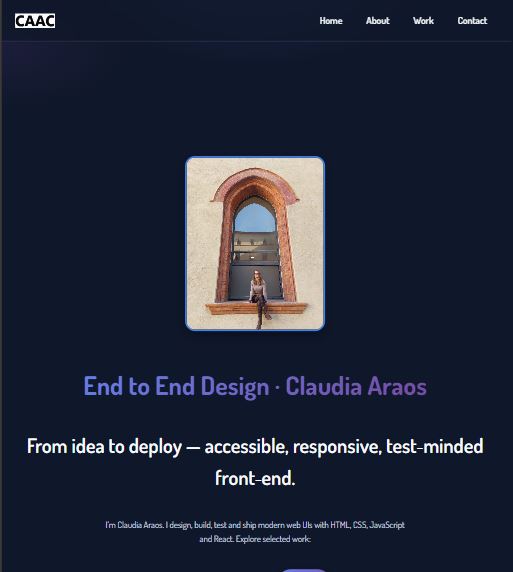
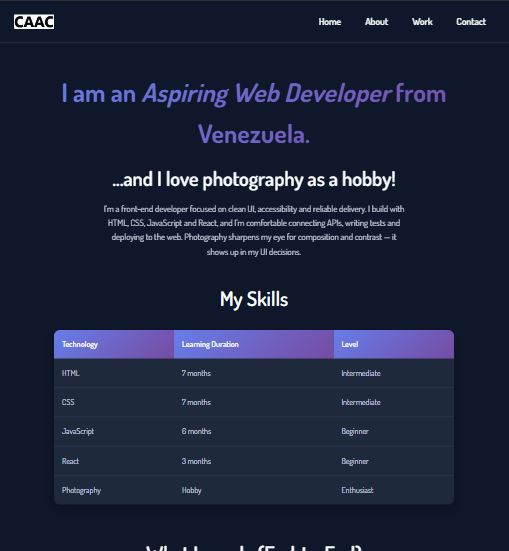
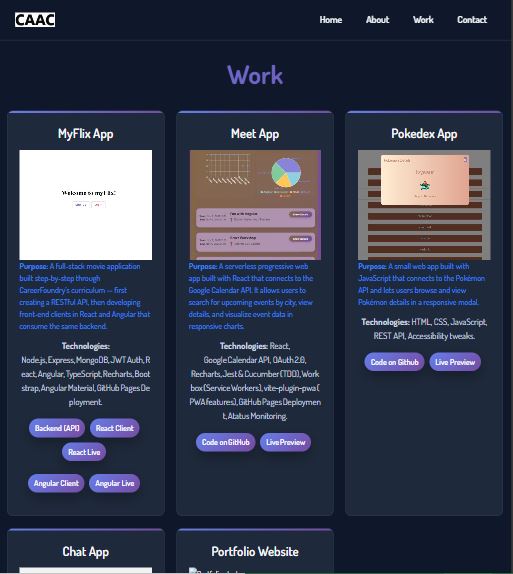
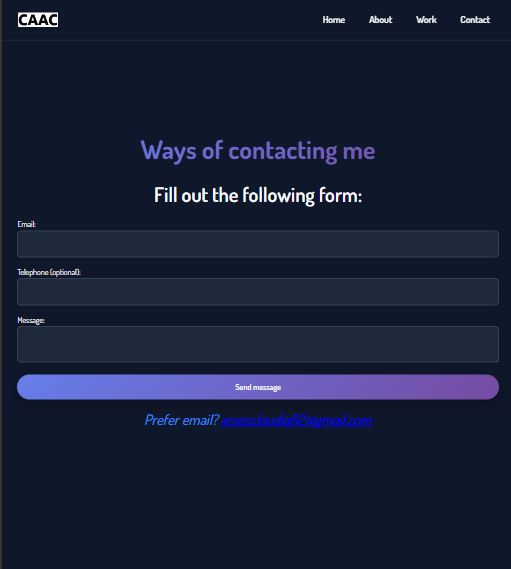
Overview: A responsive, multi‑page portfolio site with a themed dark UI, semantic HTML structure, and basic accessibility checks. It highlights my projects, skills, and contact details and serves as the central hub for my work.
Tech stack: HTML5, CSS (Grid/Flex), vanilla JavaScript for interactions, Git, a11y checks, GitHub Pages deployment.